Using the Help Center
Three manuals
The help center is split into three manuals by reader:
| Manual | Audience | Content |
|---|---|---|
| User Manual | All members | Daily use: navigation, lists and forms, approvals, notifications, files |
| Admin Manual | Company admins | Members and roles, org structure, workflow and module config, open API |
| Platform Manual | Platform operators | Tenant review, billing, operations |
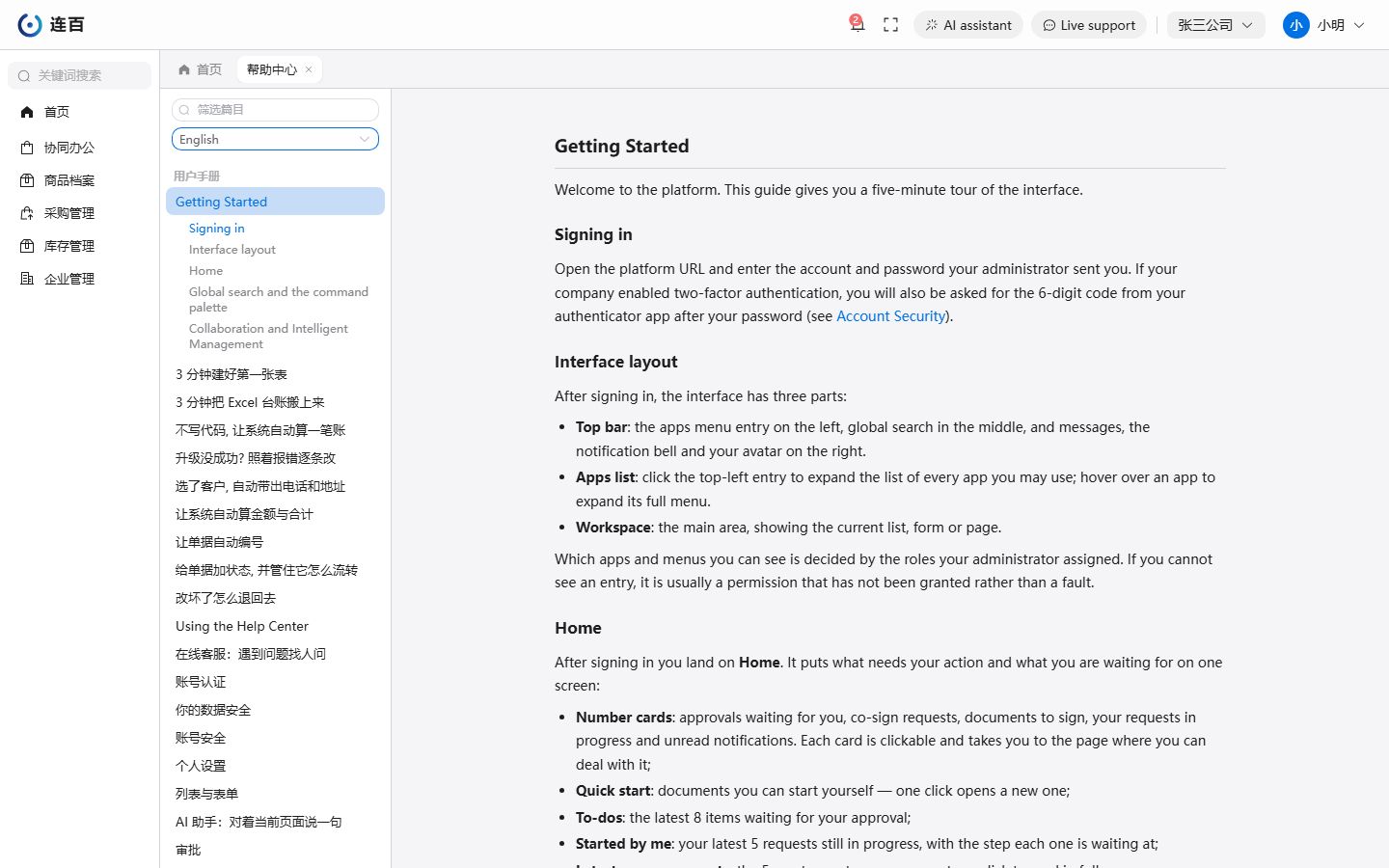
In the left-hand table of contents you only see the manuals for your own role — it is normal for an ordinary member not to see the admin manual.
Use the language box above the table of contents to switch a manual to English. Pages that have not been translated yet stay in Chinese and keep their Chinese titles.
Docs and versions
The manuals are released together with the platform version: the buttons and menus described on a page match the version you are using — there is no "new docs, old system" mismatch.
When you cannot find an answer
- first use the filter box at the top of the left-hand table of contents to filter by keyword;
- for questions about granting permissions or managing members, contact your company admin;
- for platform faults or suggestions, report them through the ticket system.
Back to Getting Started.